

CBX40: TEST FOR FREE

How it works

1. DOWNLOAD THE CROSSBOX APP
Download the Crossbox App, available for iOS and Android, and create an account.
New users get 14 days of free access to all features.
2. RECORD YOUR SESSION
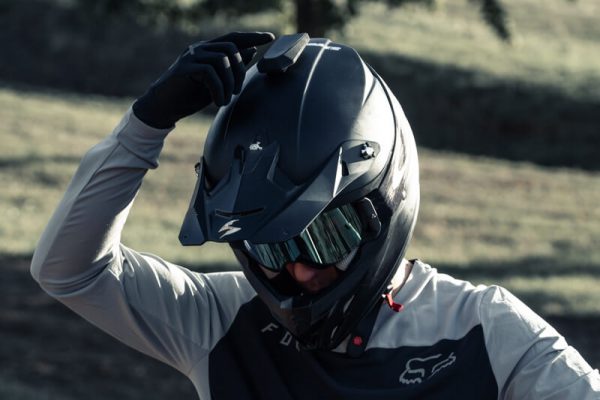
Mount the CBX40 tracker on your helmet. Clean the area thoroughly and attach the velcro on top of the helmet.
Switch on the CBX40 with a long button press. Wait until the LED lights up green, then start recording your ride with a short button press.

3. ANALYZE YOUR DATA
After recording your session, connect the CBX40 in the Crossbox App and upload your ride.
After the upload, select the track “CCV Tapolca 2026” with
Track ID: 34850.
Analyze your laps and compare yourself with other riders on the track.
Please return the CBX40 to the registration desk after your training.
Already used your free trial?
An active Crossbox subscription (€29.99 per 6 months) or a 1-Day Pass for €2.99 is required to record a session.
Like Crossbox?
You can buy your own CBX40 directly here at the track or order it online using the voucher code.
Don't miss an update.
Receive the latest Crossbox News and Special Deals.
No spam, promise!